About this task
Proposed term or term entry with a validation project using the
Validate TD button, you must have an appropriate workflow set up. When you click
Validate TD, you are prompted to supply the following:
- A project name (actually, this name applies to a project group, because projects are created for each locale).
- A description of the project.
- The validation workflow to use.
- The workgroup.
- Whether to validate terms or term entries.
Approved. In a typical validation workflow, linguists assigned to the relevant locales are assigned relevant terms.
If, instead, you chose to validate term entries, when you click OK, term entries in your terminology database that need approval are sent through your validation workflow, which creates a project with tasks for each entry, and each entry can contain multiple terms.
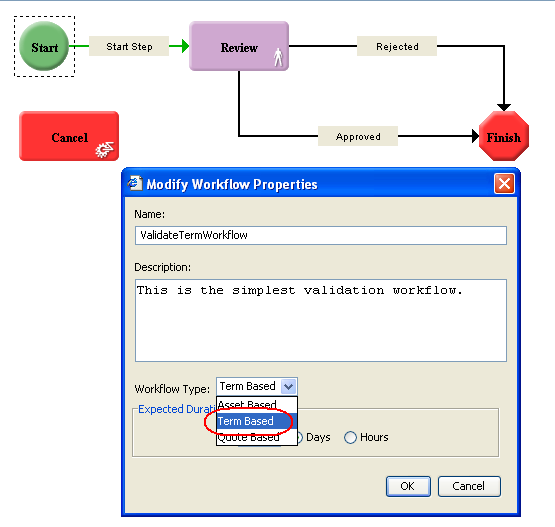
Be sure that the User Type for the Workflow Role or specific user to whom the Review step is assigned has
Can modify TD and
Can validate terms and term entries privileges. When an assigned user with these permissions selects a task in the Task List and clicks
Edit, the
View Term dialog box displays for the term and the user can approve the term by selecting
or
. The user can also choose to
Reject the term or
Deactivate it
As Deprecated. The term viewer, when opened in this mode, only allows changes or validation for the term being viewed. You cannot pop open other term viewers to manipulate other terms. Also, you cannot add or delete other terms in this term viewer.